You are here:
MS Office Products >
PowerPane for
Excel
> Product Features
PowerPane for Excel
Feature Detail: Key Value Cells
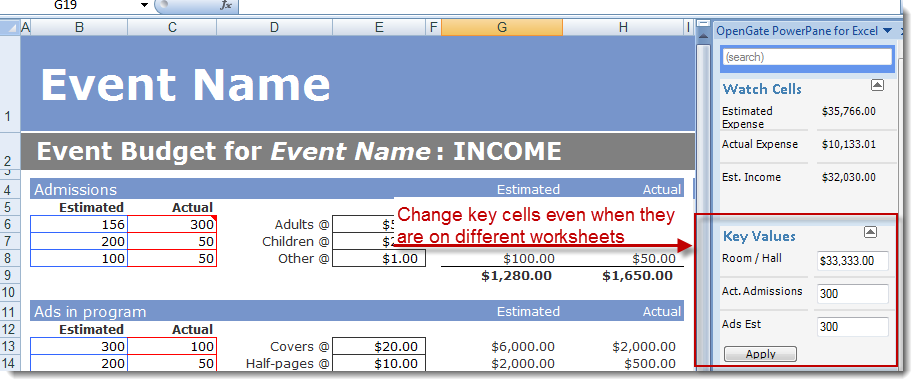
In many cases, you have a small number of key driving cells that,
when changed, have large impacts to your work. For example, a
key price-per-unit value, or projected customer growth rate. Toggling between
worksheets, or scrolling to locate these key value cells slows you
down. PowerPane for Excel lets you designate certain
cells as "Key Value Cells" that you will be able to update no matter
where you are in your workbook. Changes you make in the
PowerPane modify the source cell and automatically recalculate your
workbook.

Copyright ©
OpenGate Software Inc. All Rights Reserved.