Page Headline
Support Center
Designer for Microsoft Access
The painless way to create powerful MS Access database applications
Download the free trial →Confused by Access database design?
You're not
alone - Designer can help!
Create databases faster
Designer's plain-language wizard helps you create your app quickly, with many template projects to help you get started even faster.
Avoid hours of trial and error
Designer ensures you avoid common Access database design mistakes that are frustrating and hard to correct at a later time.
Be productive in less time
Create attractive, powerful forms that make data entry fast and efficient while eliminating duplicate data and errors.
Only $99 USD to create unlimited databases for unlimited users!
Order Now →
"Fantastic tool! Does everything
for
you. The tool asks all the right
questions to help you build a
professional database with professional
forms."
CAFULLER - download.com
CAFULLER - download.com
Plain-Language Q&A Design Process
By following an easy to understand question and answer wizard, Designer creates your database tables and data entry forms automatically.Professional-Looking Applications
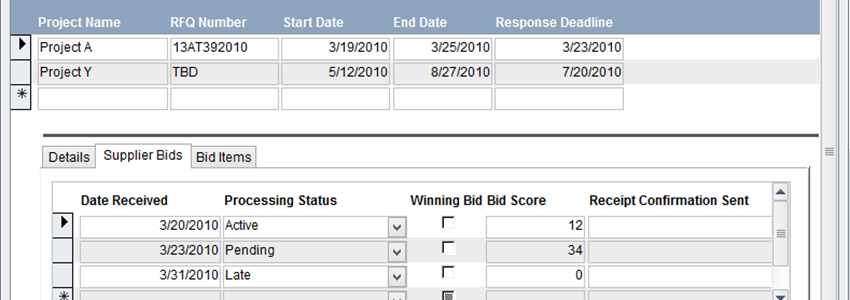
Designer creates professional-looking MS Access forms that include all related information in the same form. Check out all of Designer's features>>Works with All Access Versions
Designer is compatible with Access 2000, Microsoft Access 2002, Microsoft Access 2003, MS Access 2007, Microsoft Access 2010 (client), Microsoft Access 2013 (client), Microsoft Access 2016 (client). This includes both 32- and 64-bit versions of MS Office.Ready for a Test Drive? Download a Free Trial Now
We will never share your information with other parties (our privacy commitment).