Microsoft Access Project Template
Spend Less Time Creating Your Database, Be Productive Faster
Next Steps
Why UI Builder?
- UI Builder Overview
- Features and Editions
- Data Sheet
- Customer Testimonials
- ROI Calculator
Jump-Start Your Access Project with our UI Builder templates
The Project Portfolio template is one of several Microsoft Access templates included with the purchase of UI Builder Business or Enterprise edition. You get the flexibility of the widely popular UI Builder, and full source code access to the Project Portfolio template to customize to your specific needs. Best of all, your license allows you to use UI Builder for other Access database projects in your company.Product Editions
Unlimited users, unlimited databases within your company. Access to all UI Builder templates.
UI Builder - Enterprise
For multi-user scenarios where you want to set up user-level menus to access forms and reportsUI Builder - Business
For multi-user scenarios where users are allowed to access all screens and reportsWith the Microsoft Access Project Template, you can:
Make better decisions
at the Portfolio Level
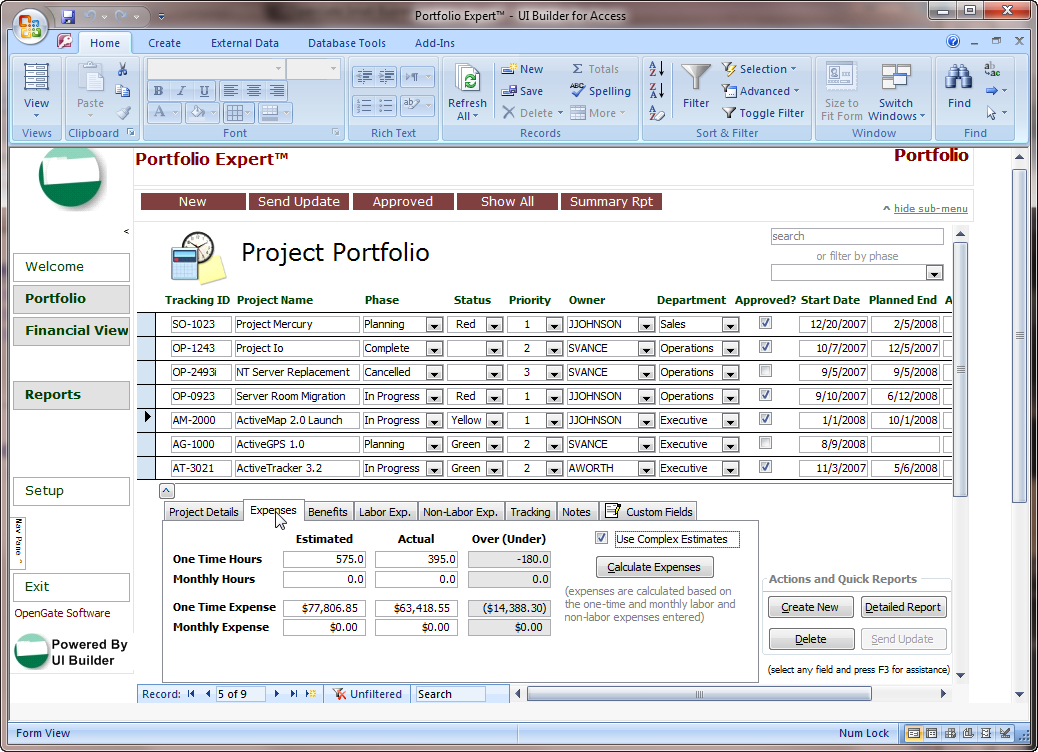
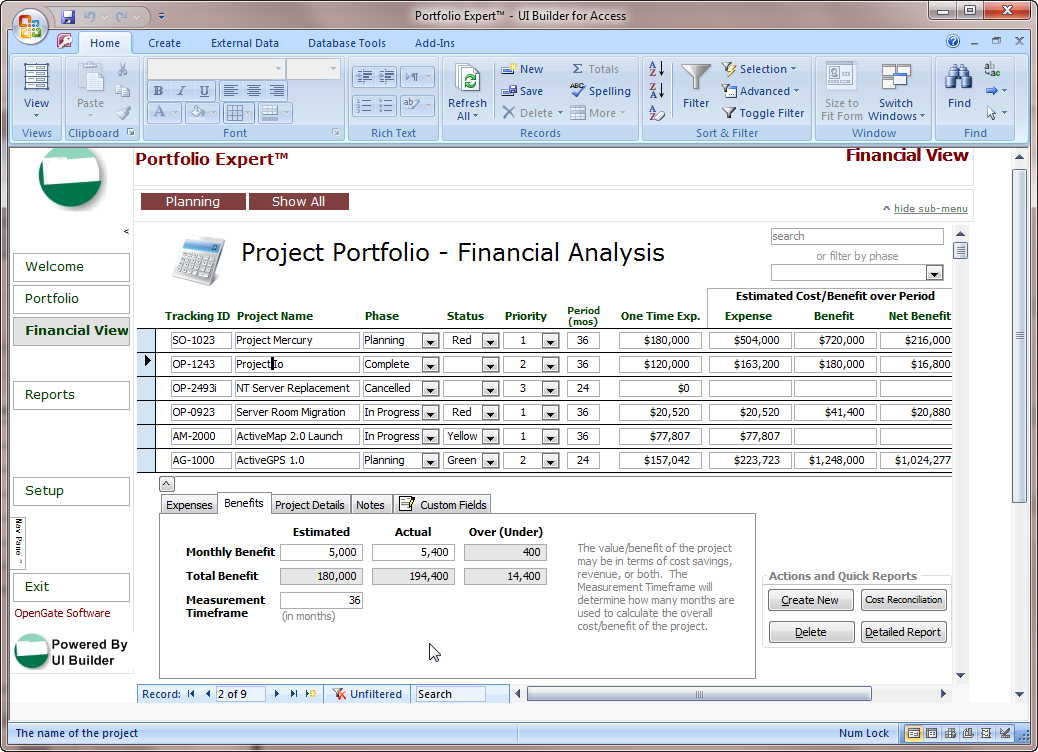
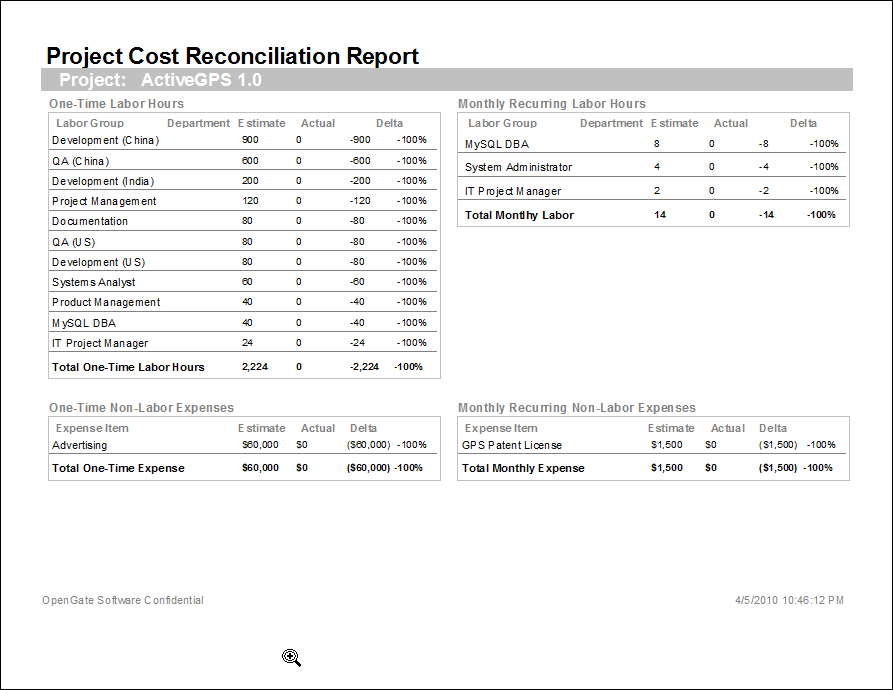
Use the Project Portfolio template to track the status and financial value of your projects from concept to completion. When budgets and resources are tight, the portfolio template can help you see which projects have the greatest potential payoff, and which to put on the back burner. The template supports basic or detailed cost estimates at the labor group level, and flexible ROI calculation time periods you define for each project. Key features include:
- Track all projects in your portfolio, including both status and financials
- Perform detailed cost/benefit analyses for your entire portfolio
- Track actual versus estimated costs and benefits
- Pre-packaged project status dashboard with drilldown capability
- Seven pre-defined reports including estimated vs actual cost reconciliations, at-risk project status reports, and more
- Fully customizable to meet your specific project management needs
- Compatible with MS Access 2007 (all other Access templates are compatible with Access 2000 and higher)
(watch a
demo)
Built upon the powerful UI Builder framework, the Project Portfolio template lets you add advanced features to your Access database that would take hours or days to research, develop, and test. Each menu button can be configured to carry out one of 26+ pre-defined commands. Review the full feature list...
System Requirements
Microsoft Access 2000, Microsoft Access 2002, Microsoft Access 2003, Microsoft Access 2007, Microsoft Access 2010, Microsoft Access 2013, MS Access 2016, MS Access 2019, or Office365.