You are here:
MS Access Products >
Workflow Builder
Workflow BuilderTM for Microsoft Access
Next Steps
Why UI Builder?
- Workflow Builder Overview
- Product Features
- Video Demonstration
- Data Sheet
- Customer Testimonials
"You have great tools, probably the best I have seen. It's saving me a lot of time in my development of custom apps."
M.C., Developer
Automate Your MS Access Database with Less VB Programming
If you or someone in your organization spend hours a week importing, exporting, or manipulating data, sending out updated reports, or other tedious and manual processes in Microsoft Access, Workflow Builder can help.Workflow Builder delivers powerful automation capabilities for MS Access databases, without requiring a significant investment in sophisticated enterprise software or expensive consulting.Product Licensing
Unlimited users, unlimited databases within your company. Includes UI Builder - Enterprise Edition, a $399 value.
With Workflow Builder, you can:
Minimize Costly Manual
Labor
Watch the demo
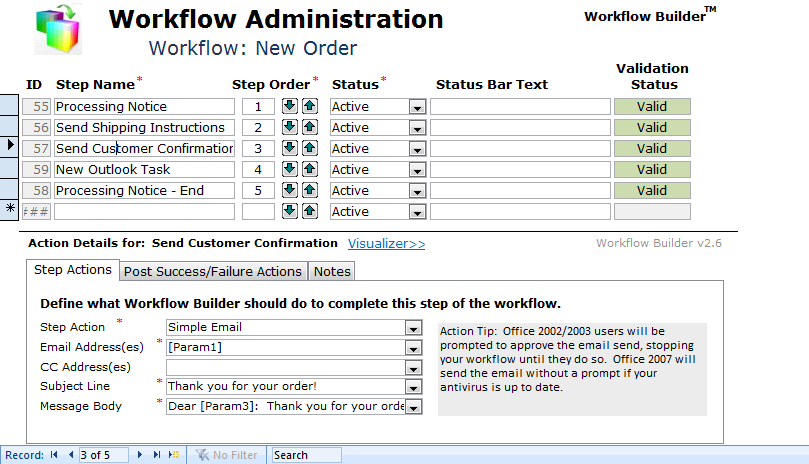
Use Workflow Builder to perform repetitive tasks you would normally do manually within MS Access, or even outside of Access. Workflow Builder helps you create multi-step processes such as performing daily mass-imports of data files, running sequential queries to modify data, and then email resulting reports. Save time and costly manual labor by creating dynamic workflows that handle repetitive work automatically.
Automate With Less Visual
Basic
Use Workflow Builder to automate complicated, repetitive tasks without spending time coding yourself. Because Workflow Builder handles many common tasks in MS Access using configuration, you have more time to spend coding and testing the features that are truly unique to your database. And because Workflow Builder's workflows are created using a simple configuration interface, you can expose more configuration options to your end users to change instead of calling you to make VB changes.
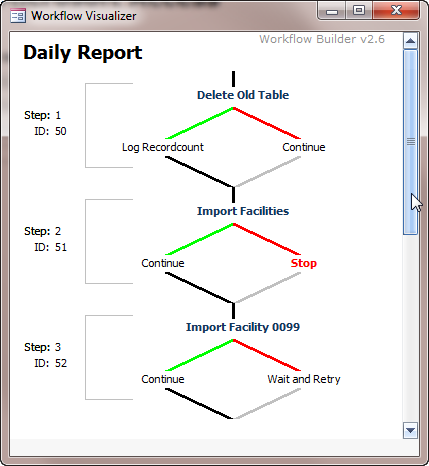
Use Workflow Builder to automate complicated, repetitive tasks without spending time coding yourself. Because Workflow Builder handles many common tasks in MS Access using configuration, you have more time to spend coding and testing the features that are truly unique to your database. And because Workflow Builder's workflows are created using a simple configuration interface, you can expose more configuration options to your end users to change instead of calling you to make VB changes.
Integrated with UI Builder
- Enterprise
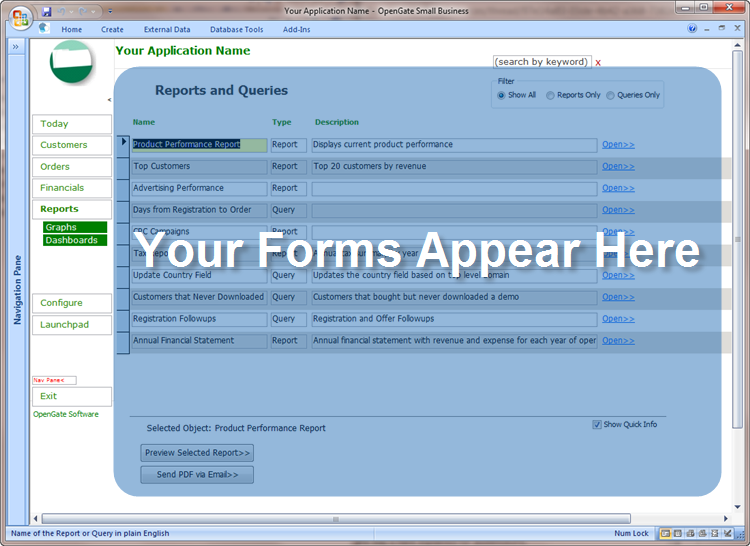
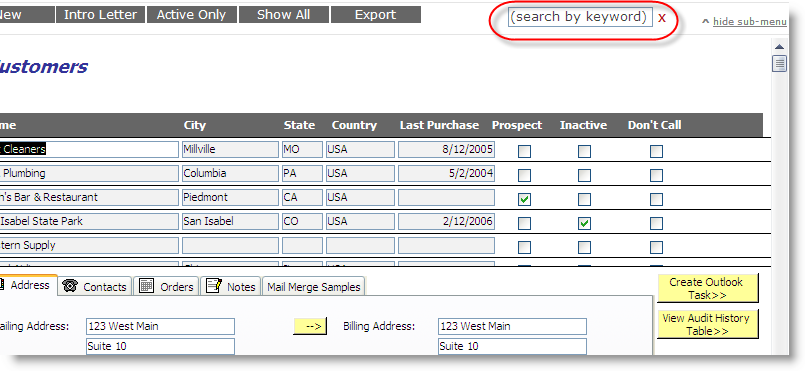
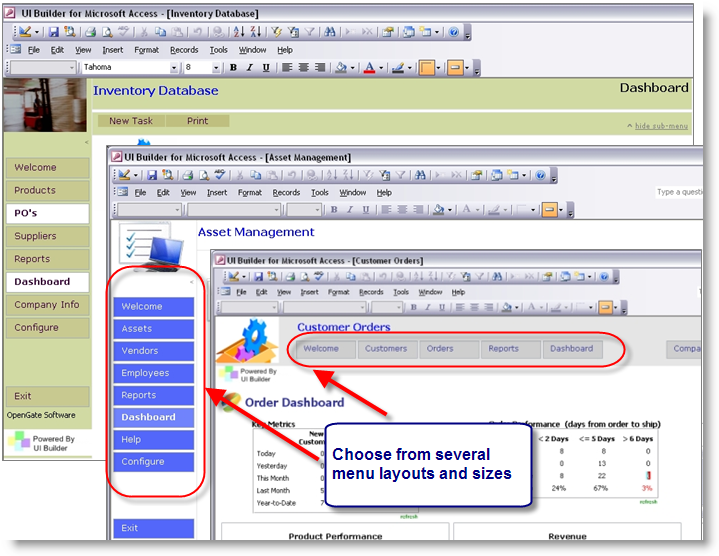
Workflow Builder is integrated with UI Builder - Enterprise Edition, which means your database can include an attractive, Web-2.0 user menu with the ability to give specific users and roles access to only the forms and reports you allow. Capture errors with UI Builder's built-in event logging, automatically fix broken linked tables, track record-level changes, and maintain user-friendly directories of forms, reports, and queries with clear descriptions. You also have access to OpenGate's library of MS Access templates and advanced MS Access tools.
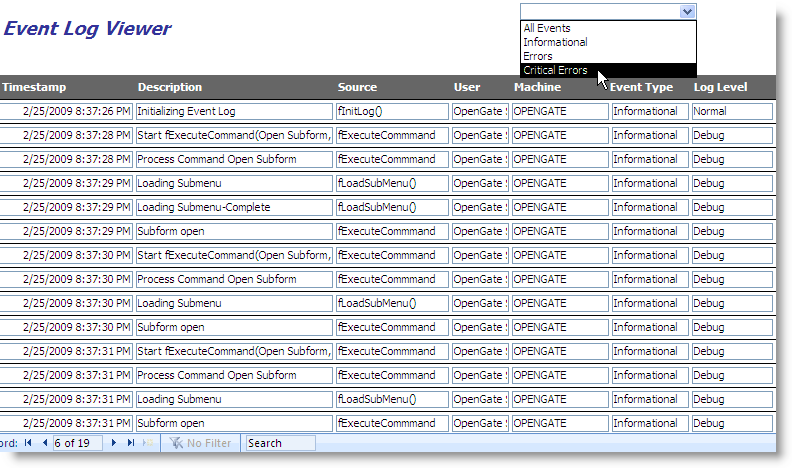
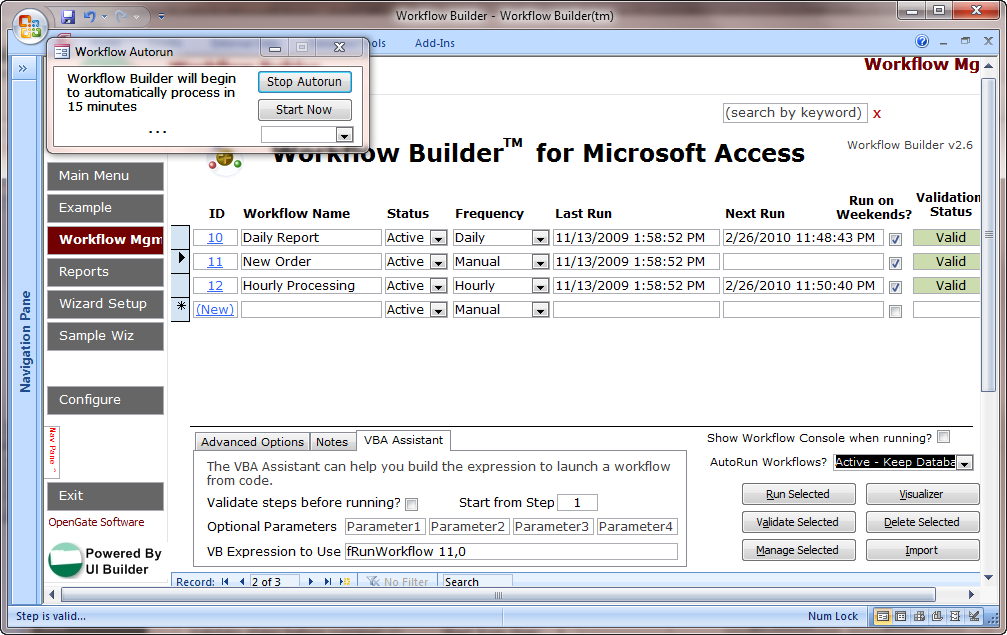
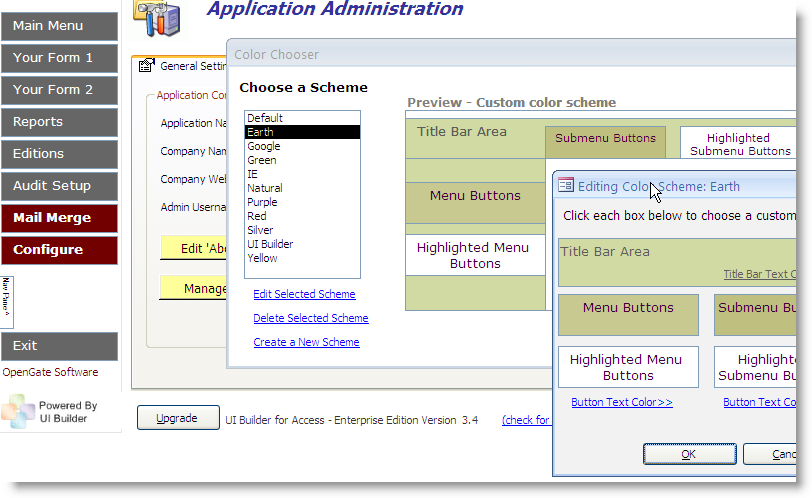
Workflow Builder is integrated with UI Builder - Enterprise Edition, which means your database can include an attractive, Web-2.0 user menu with the ability to give specific users and roles access to only the forms and reports you allow. Capture errors with UI Builder's built-in event logging, automatically fix broken linked tables, track record-level changes, and maintain user-friendly directories of forms, reports, and queries with clear descriptions. You also have access to OpenGate's library of MS Access templates and advanced MS Access tools.
System Requirements
Microsoft Access 2000, 2003, Microsoft Access 2007, Microsoft Access 2010, Microsoft Access 2013, Microsoft Access 2016, and Microsoft Access 2019 (both 32- and 64-bit versions for all).
Microsoft and the Office logo are trademarks or registered trademarks of Microsoft Corporation in the United States and/or other countries.

Copyright © OpenGate
Software Inc. All Rights Reserved.