Dashboard BuilderTM for Microsoft® Access®
Why Dashboard Builder?
- Dashboard Builder Overview
- Features and Editions
- Video Demonstration
- Sample Web Dashboard
- Data Sheet
- Frequently Asked Questions
- Lifetime support and updates
- Customer Testimonials
Create Amazing MS Access Dashboards Effortlessly with Dashboard Builder 5
Microsoft® Access® is a powerful tool for recording and tracking data without being a professional developer. To gain full value from your database, however, you may be creating numerous Access queries, Access reports, or extracting your data to Microsoft Excel® on a regular basis to analyze your data. Dashboard Builder eliminates the headaches and expense associated with ongoing data analysis in Microsoft Access.Product Editions
Dashboard Builder - Standard
Dashboard Builder - Professional
Quickly create graph and chart dashboards that summarize your Access data in a visual form.Dashboard Builder - Web
Generate interactive HTML dashboards to the Internet from Access.With Dashboard Builder, you can:
Watch the demo
Use Dashboard Builder to create informative dashboards that help you to make more solid business decisions. Visualize the key performance indicators most relevant to your business, and turn the information into action without spending time learning VB and complicated SQL.
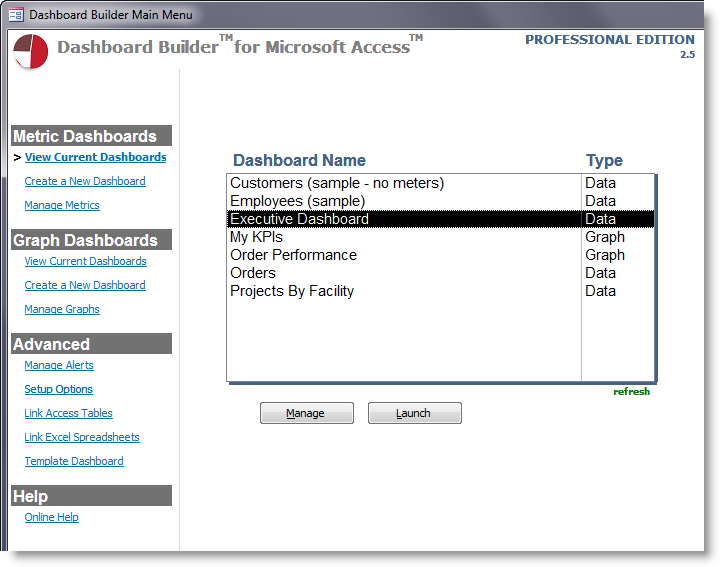
Use Dashboard Builder to help you spend more time analyzing your data, instead of spending large amounts of time on Access training, trial and error, or paying for expensive consultants. Dashboard Builder puts your valuable data at your fingertips quickly. Avoid exporting data repeatedly to Excel to create pivot charts, and begin analyzing your Access data in real-time.
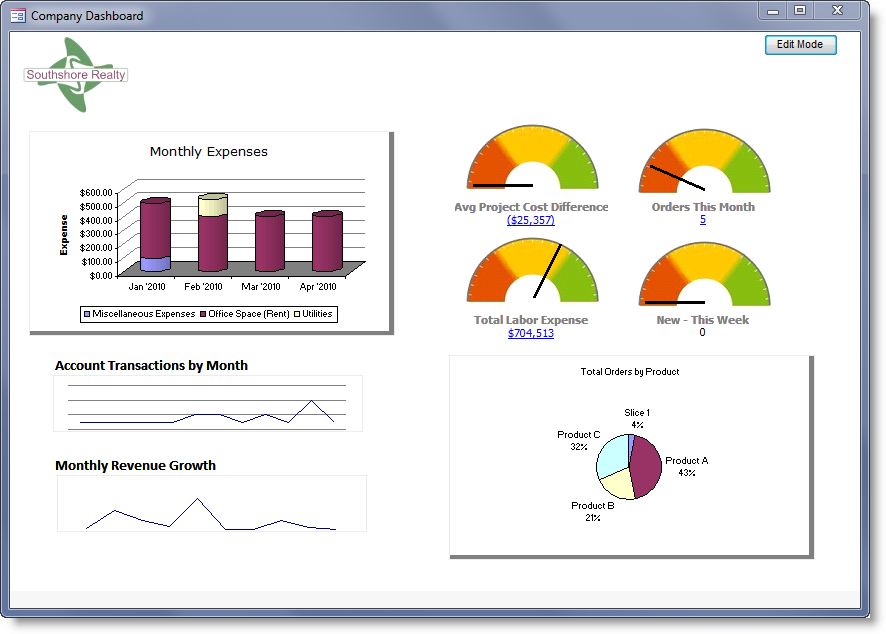
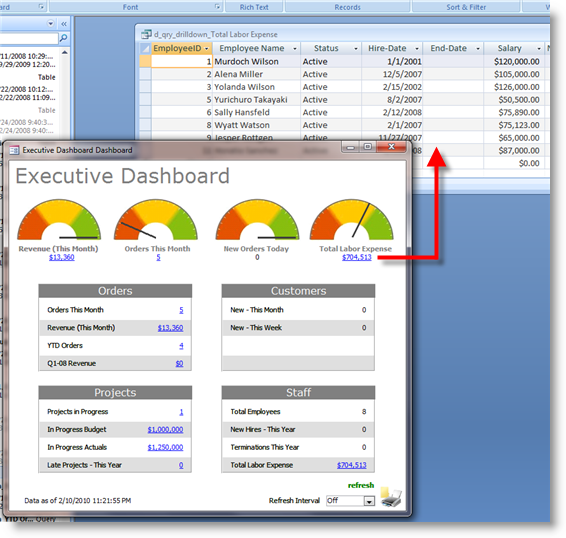
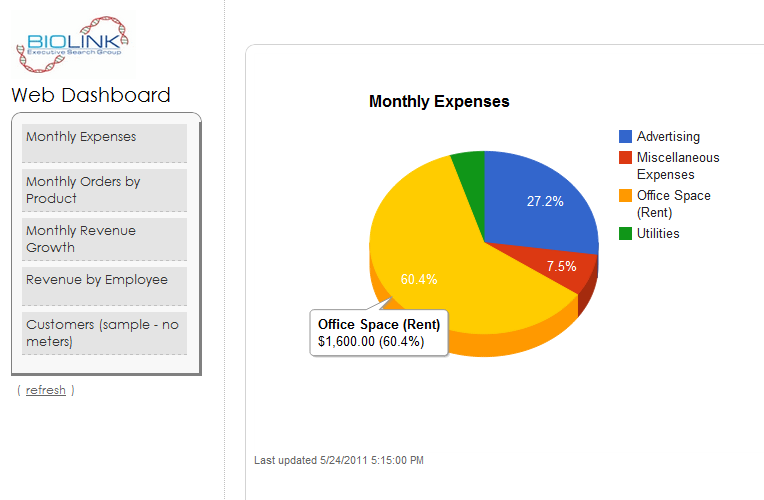
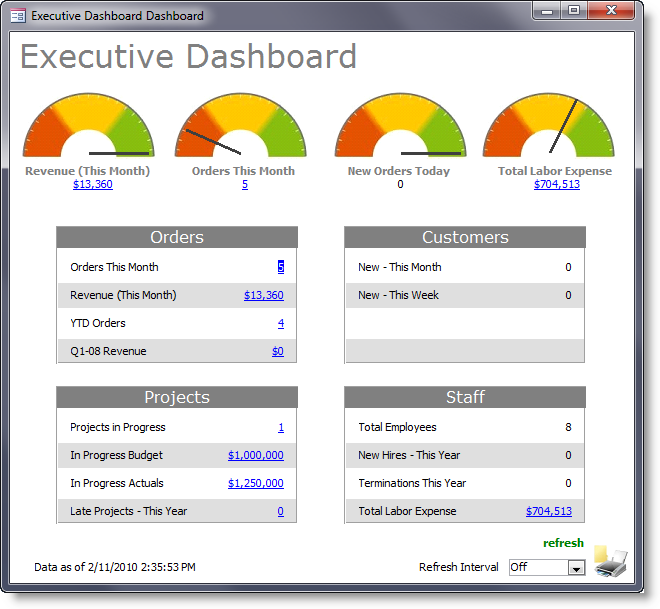
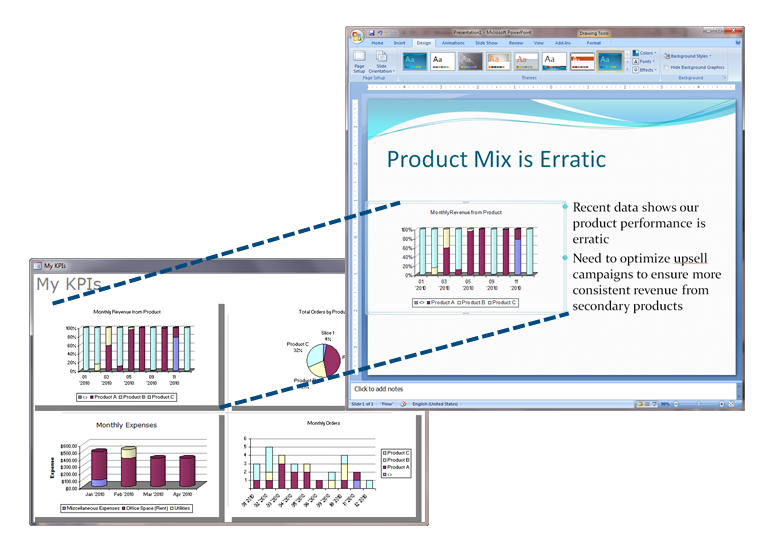
Use Dashboard Builder to present your data in a professional, visually pleasing form that impresses users. Dashboard Builder allows you to represent your MS Access data visually instead of compiling Access query data to show the same summarized information. If your users don't have Microsoft Access, Dashboard Builder - Web allows them to access your dashboards from anywhere!
Ready for a Test Drive? Download a Free Trial Now
We will never share your information with other parties (our privacy commitment).
"With Dashboard Builder, I don't need to call a .NET developer every time we want to create a new KPI in our organization. We love the fast access to our live data!" –D.I., Medical Services
"If you have an Access database with lots of statistical data then this [Dashboard Builder] is a must app to have. It is really easy to use and will save hours of work. Nice product and good value for money." –Daveg181 from Download.com
"Really nice product - good graphics & can be setup very quickly." –fabriam from Download.com
"Very easy to use. Created a complicated multientity dashboard with this tool. The developers were very responsive when I submitted suggestions/requests." –vestal25from Download.com
System Requirements
Microsoft Access 2000, 2003, Microsoft Access 2007, Microsoft Access 2010, Microsoft Access 2013, Microsoft Access 2016, and Microsoft Access 2019.
Web Dashboards: Internet Explorer 8 or higher; FireFox 2 or higher; Chrome 8 or higher, Opera 9 or higher
Microsoft and the Office logo are trademarks or registered trademarks of Microsoft Corporation in the United States and/or other countries.